Welcome to Gencraft AI’s newest feature, Character Guide! It allows you to generate variations of your photos, create consistent characters, and have greater control over your AI artwork. In this tutorial, we’ll walk you through how to use this powerful tool and showcase some examples of what you can achieve with it.
When to use Character Guide
Create Consistent Characters
Character Guide is perfect for creating consistent characters across different scenes and settings. Whether you’re developing a story or just having fun,Character Guide ensures your characters maintain their core features while adapting to new environments.
Generate Variations of Your Photos
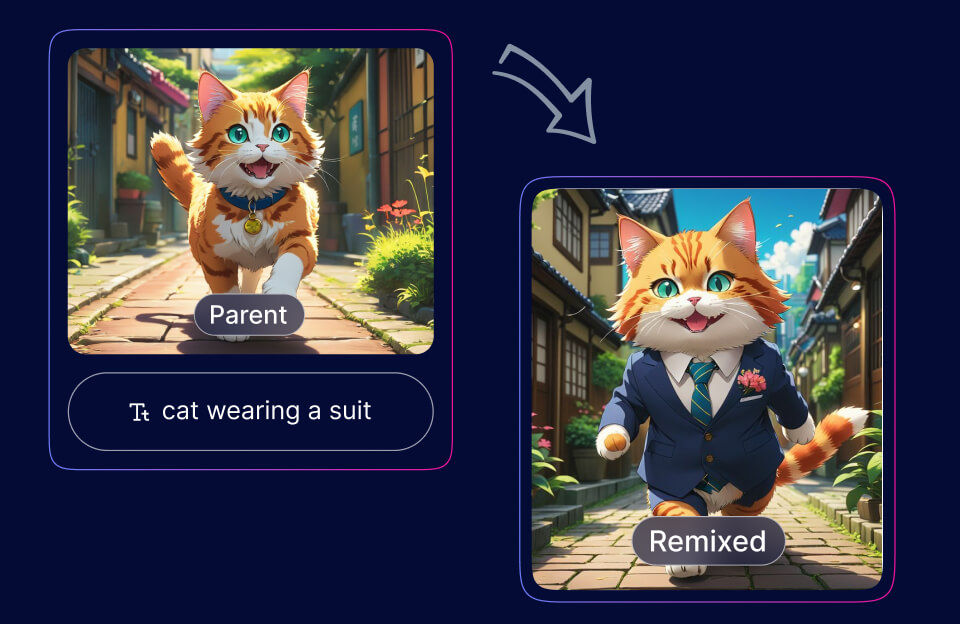
With Character Guide, you can create multiple versions of your favorite photos. Whether you want to see yourself in different settings or explore various artistic styles, Character Guide makes it easy.
Take Control of Your AI Artwork
Character Guide gives you control over your AI-generated art. By adjusting settings and using detailed prompts, you can guide the creative process and achieve your desired results.
Step-by-Step Guide
- Start with selecting Character Guide: Choose the Character Guide feature from the menu of Gencraft options. ( either from the Generate Form tabs or from My Creations by clicking on Remix button )
- Choose an image: Click on the “Add Your Photo” button visible on left of the prompt window. Upload your photo or select an image from your past uploads.
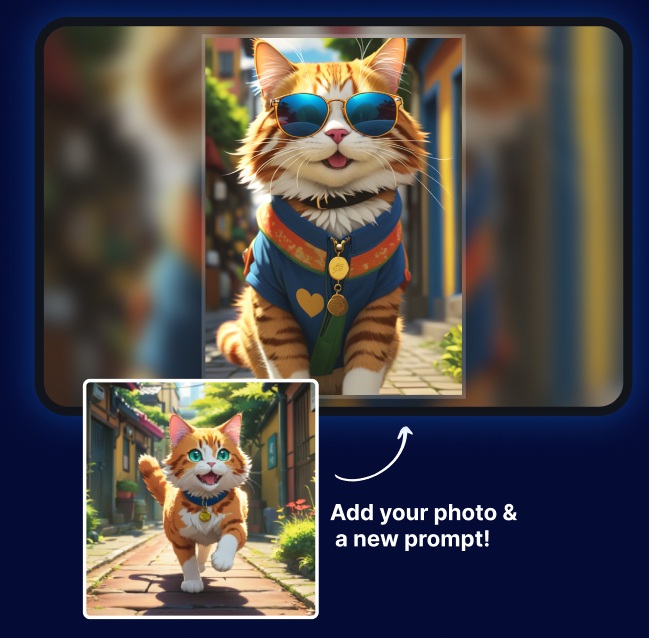
- Add your “Character Guide” prompt: Type in your desired prompt. This could be a new scene, a specific style, or a creative subject you want to add. For example, “Wearing a hat on the beach.”
- Generate! Hit “Generate” and watch as Gencraft AI produces variations of your photo based on your prompt. Here’s an example
Conclusion
We hope this tutorial helps you get the most out of the Character Guide feature in Gencraft AI. Whether you’re looking to create variations of your photos, develop consistent characters, or take control of your AI artwork, Character Guide offers endless possibilities.
Feel free to explore and experiment with different prompts and settings. If you have any questions or need further assistance, don’t hesitate to contact us at support@gencraft.com.
Join our Discord to share your creations and connect with other artists: Gencraft Discord.